Table of Contents (2 sections)▾
Modern cloud costs on AWS and GCP scale exponentially. For solo founders and engineering teams, self-hosting on Coolify provides 90% of AWS/Vercel developer experience at less than 5% of the bill.
In this operational guide, we dissect production Coolify architecture, automated Git webhook rebuilds, and resource-bounded container management.
1. Coolify Architecture Under the Hood
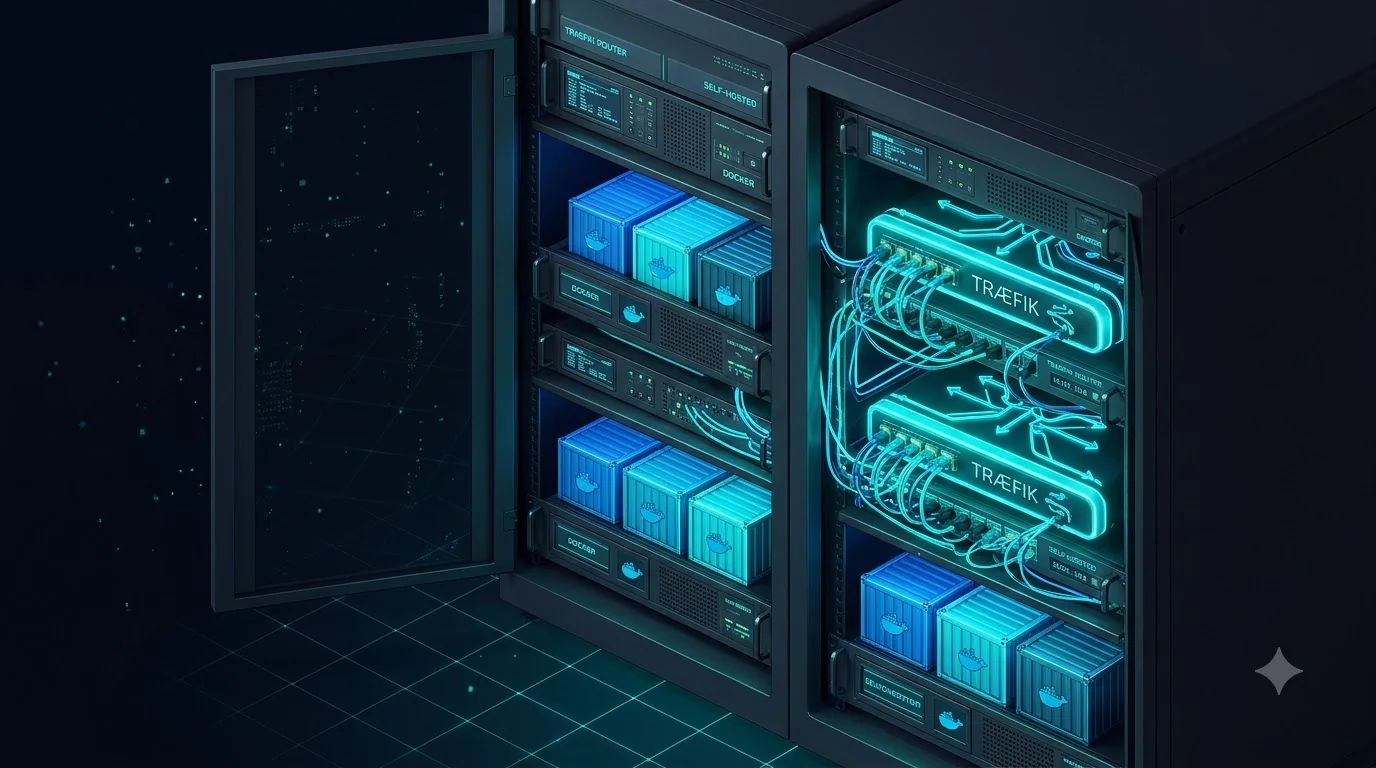
Coolify operates as a control plane orchestrating a local Docker daemon and Traefik reverse proxy:
┌──────────────────────────────────────────────┐
│          Coolify Control Plane (Port 8000)   │
├──────────────────────────────────────────────┤
│  • Traefik v3 (Dynamic Ingress & Auto-SSL)   │
│  • Automated GitHub / GitLab Webhooks        │
│  • Multi-Tenant Environment Isolation        │
└──────────────────────┬───────────────────────┘
                       │
       [Docker Engine & Alpine Containers]
Monthly Infrastructure Cost Comparison
Swipe table →
2. Hardening Traefik Ingress & TLS
By default, Coolify configures Traefik with automated Let’s Encrypt certificates. In high-traffic deployments, protect against denial-of-service by enabling container-level rate limits:
labels:
  - "traefik.http.middlewares.ratelimit.ratelimit.average=100"
- "traefik.http.middlewares.ratelimit.ratelimit.burst=50"Recommended Next
Docker
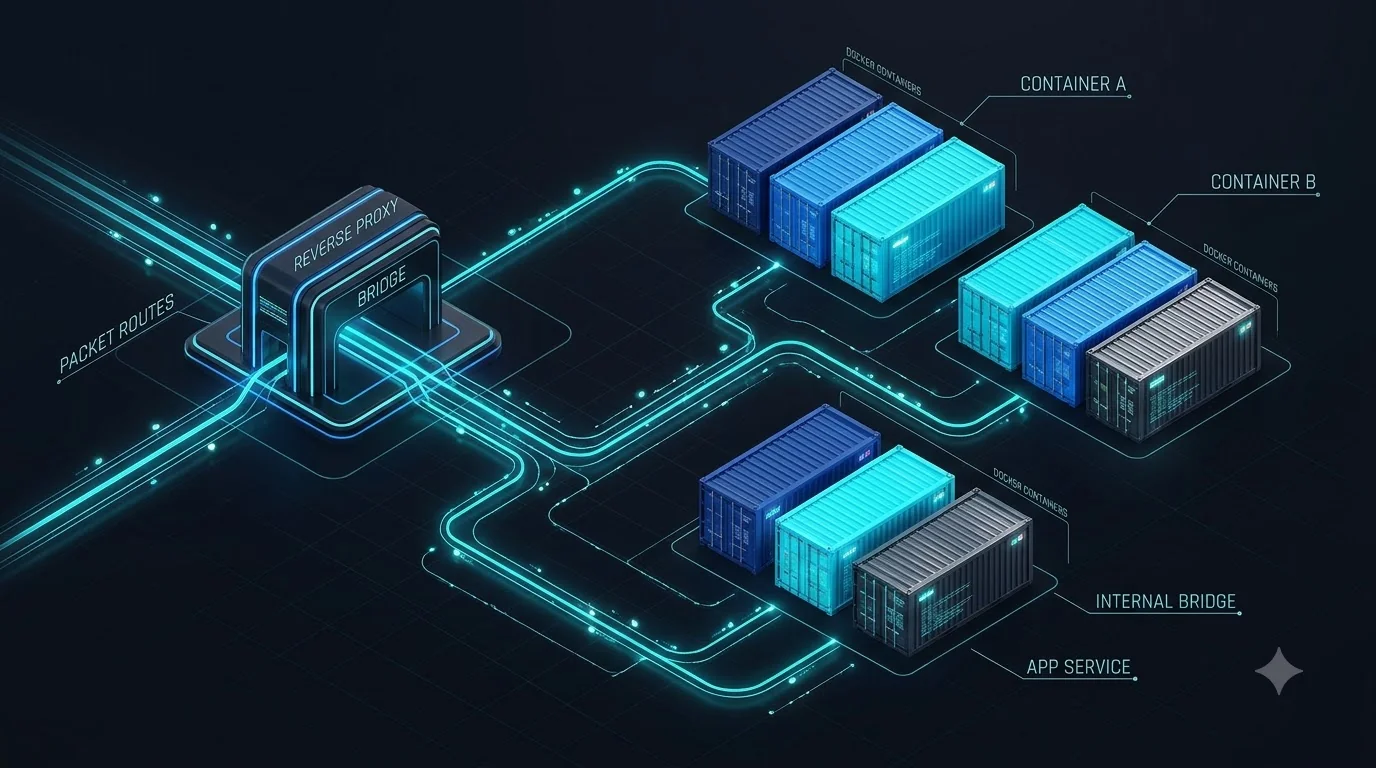
Understanding Docker Bridge Networks & Reverse Proxy Topology
A deep dive into packet routing, iptables NAT tables, and zero-trust Docker container networks.
By Mohan